Install windows 7 from USB is one of the great features for new
personal computer or notebook. Install windows 7 from usb is more easier
and faster than using DVD
or CD. Today is my first experience creating or make usb bootable in
other words extract iso for windows 7 in usb drive. The steps hos to
install windows 7 from usb is easy and straight forward. Just follow
step by step and you will reach success.
First of you will need
usb drive with minimum space 4GB. You also need the iso file for windows
7 either in DVD,CD or at your hard drive.
You need to download WinToFlash
applications which is the main software we require to make usb
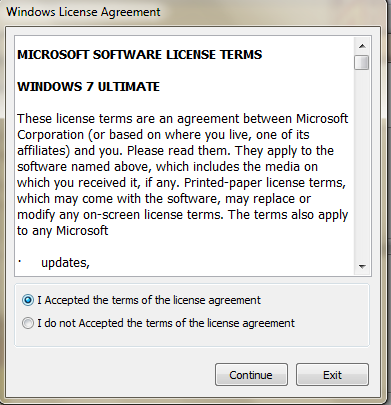
bootable. After download it , run the exe file and click Accept. Refer
to pictures given below.
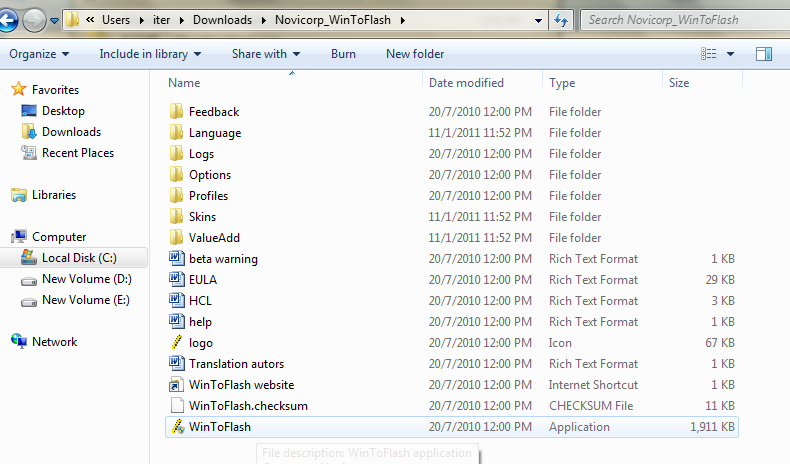
Click exe file to run
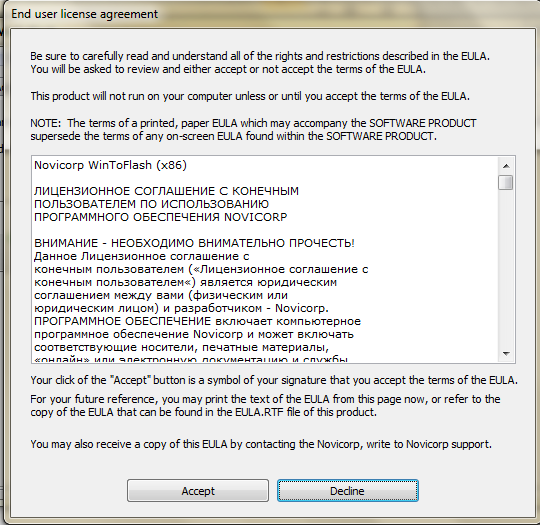
Accept
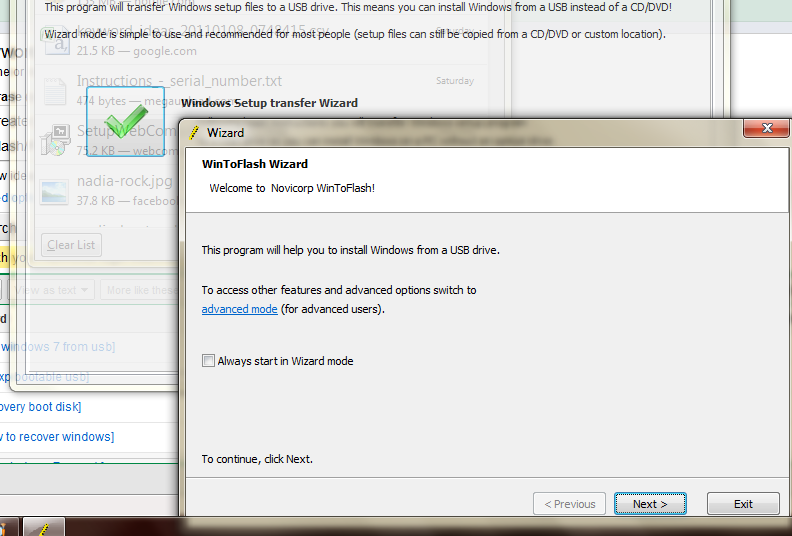
Click windows transfer wizard and after that click next.
Specify your source file and USB by clicking the Select button.
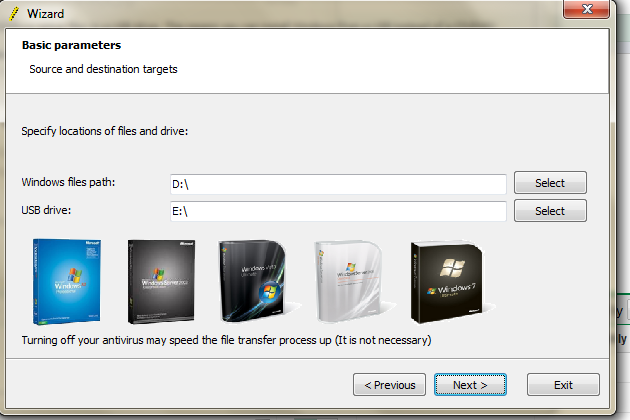
Accept and continue.
Wait until the process finish.
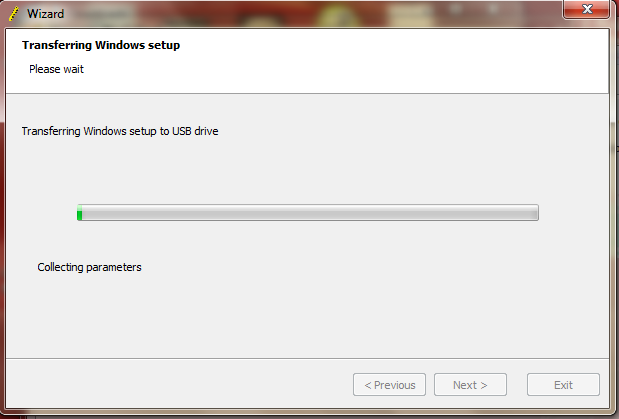
Your usb drive now are windows 7 bootable and can be used to install windows 7 from usb.
Hos to install windows from USB?
Restart
the computer and select USB Flash drive from boot menu, the
installations process is same as using CD or DVD. Good luck. If you have
another method how to install windows 7, share it here by giving your
comments. Good luck…


 Posts
Posts


0 comments:
Post a Comment